

Appearance
Login / Logout
To get to the Login screen simply add /user to the end of the domain https://www-test.cbcity.nsw.gov.au/user
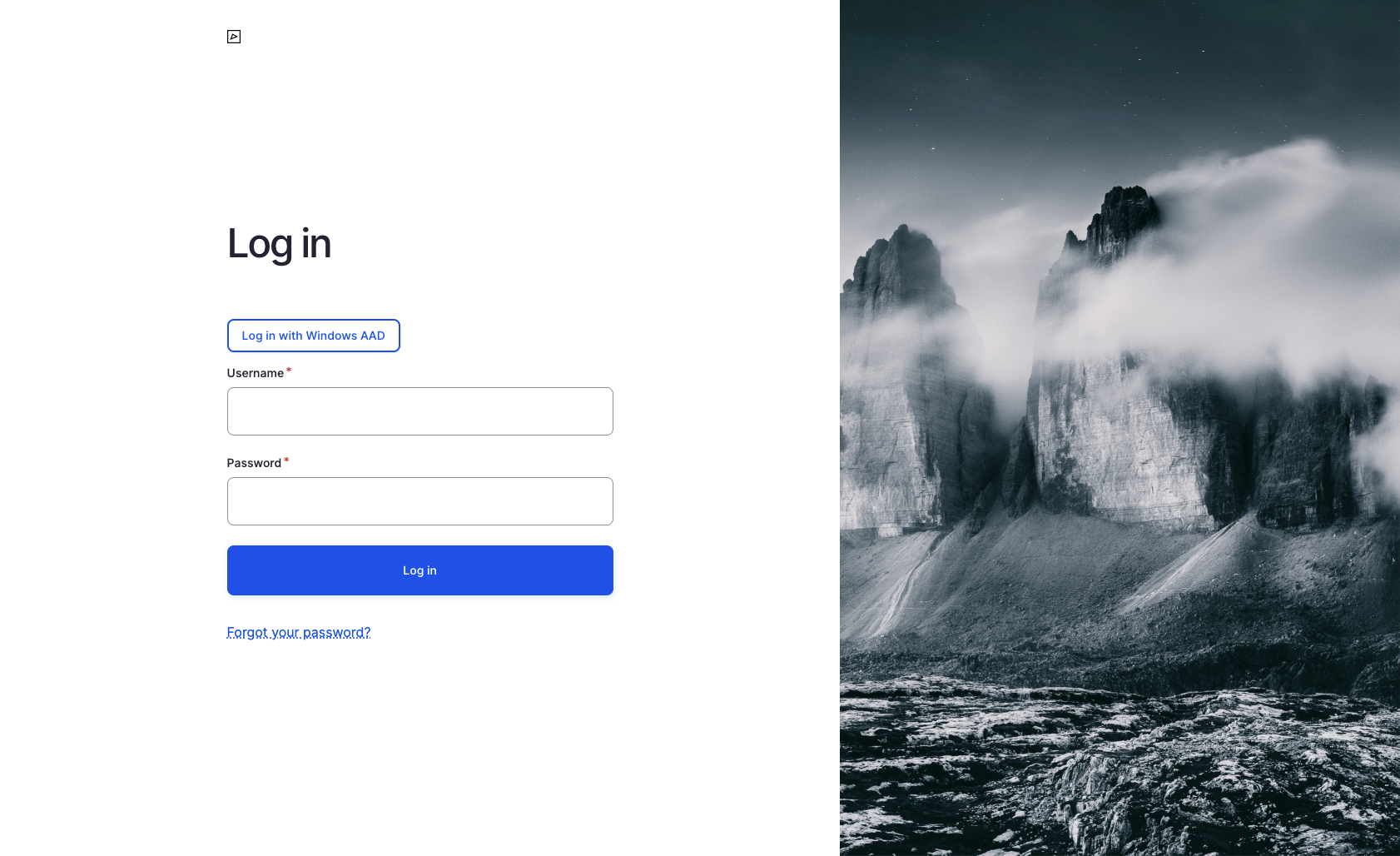
Single Sign On (SSO) via Azure Active Directory (AD)
Users can seamlessly log in to the Drupal website using their existing Microsoft accounts through Azure Active Directory (Azure AD) integration. Click Log in with Windows AAD, proceed with authentication and if your account has access to managing site content you will be successfully logged in and redirected back to Drupal.
If your account doesn't have access to Drupal backend please contact your supervisor and/or IT Department.
Username & Password
If Azure AD is not working a user can request Demonz team (with council's authorisation) to log in directly using username and password.
Logout
To sign out of the website you can either navigate directly to /user/logout https://www-test.cbcity.nsw.gov.au/user or hover your username in the top right corner of the screen and click Log out link.
